
Record the delivery
Find the incoming batch with its quantity and storage location.
FOR FARMS AND CONTRACT GROWERS
A colleague has moved a group, the feed has arrived and the office needs the cycle’s figures. FarmPlus helps you find recorded activities and their documents without having to ask whoever was there.
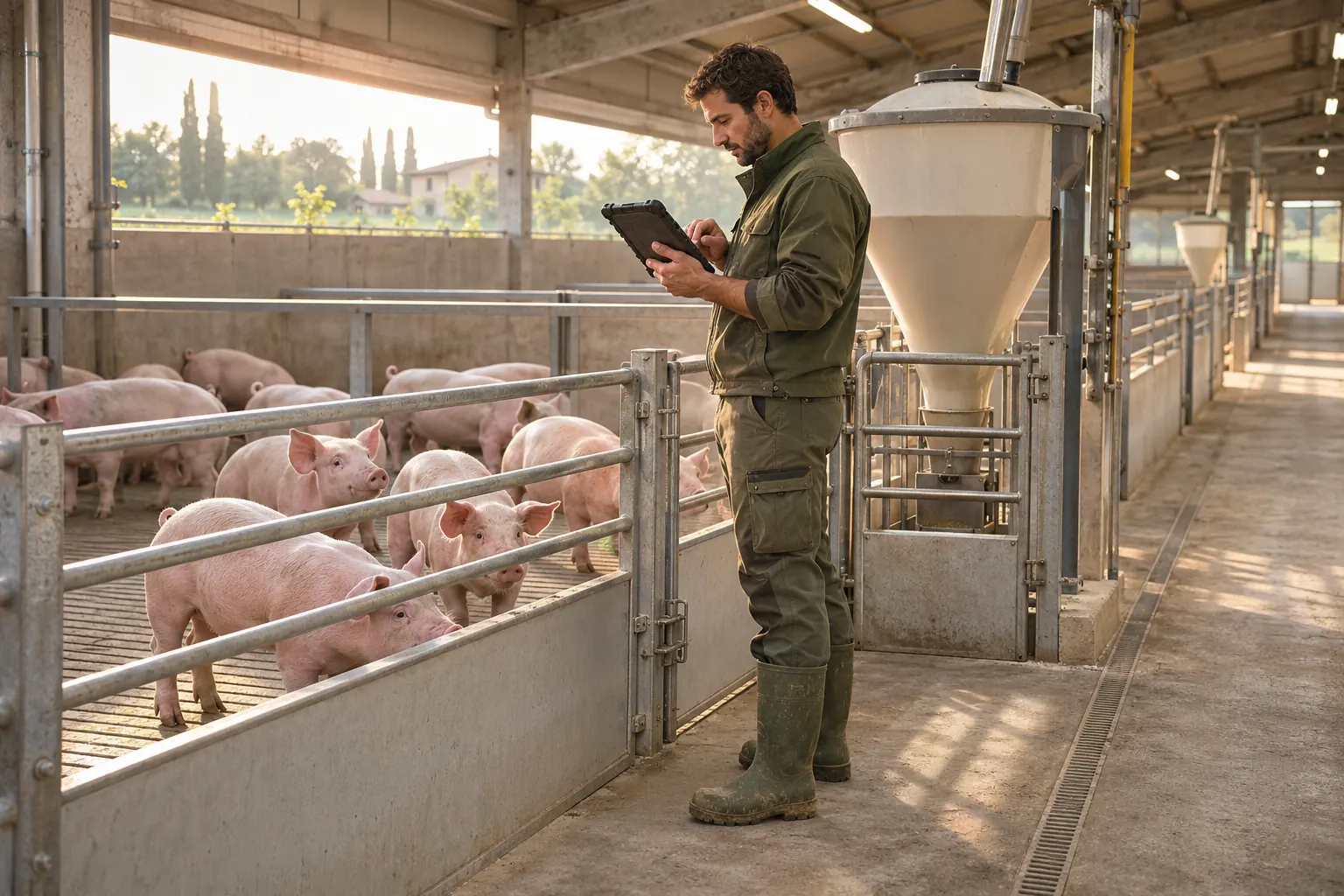 Where the work happens.
SHARED FACTS, A CLEARER PICTURE
The barn team knows what happened. The office can find the records. It becomes easier to decide together.
A PRACTICAL EXAMPLE
A delivery starts work in the feed store and carries through to the cycle accounts.
Find the incoming batch with its quantity and storage location.
Review stock movements and the consumption assigned to the cycle.
Review the cycle report and trace costs to their source documents.
A LOOK AT FARMPLUS
TWO PLACES TO WORK
In the barn, open the pen and record the task. In the office, review movements, link documents and prepare the cycle report. Each person starts with their own work and can trace the events they need.
Explore working days →Find the company, site, cycle and group before recording a task.
Check confirmations and references to understand what has been received.
From a proposal to an approved correction, follow the steps behind the work.
YOUR WORK, IN CONTEXT
When information sits in separate places, piecing a day together becomes another task. FarmPlus connects animals, feed and documents so you can follow the whole story.
At the shift change, find the animals and their movement history without another round of calls.
See how it helps 02During your round, find the animal’s and litter’s history to see what needs attention.
See how it helps 03Before the next order, get a clearer view of stock, deliveries and cycle consumption.
See how it helps 04When a cost changes, trace the facts behind it and prepare for the discussion.
See how it helps 05Keep noting group mortality where there is no reception, after preparing the shift online.
See how it helpsIN YOUR WORKING DAY
At the start of the shift, review Today and the agenda for your location. Open the pen, find the group and record the event, then check the confirmation and headcount. The history remains available for the people continuing the work in the office.
Operators record arrivals and movements between stores and cycles. Office staff link invoices and costs to receipts, then follow consumption valuation. From quantity to report, you can find the steps explaining the amount.
Before a service, pregnancy check, farrowing or weaning, open the record from the agenda and review its history. Record the event and check the outcome, keeping the animal reference and work context together.
When preparing a cycle review, put animal history alongside documents, consumption and approved costs. Check missing information, compare cycles and prepare the report to share for the chosen company and period.
Prepare companies and sites, invite people and assign the role and scope suited to their work. Each person can find their permitted workflows, while administrators keep sight of the team’s responsibilities and access.
Before entering an area without a connection, prepare the site online. During the shift, note group mortality; when back online, open End of shift, submit and check the outcomes. Entries still needing review remain clear before you continue.
COMMON QUESTIONS
Start with the work at hand: open Today or a pen, find animals and activities, and record the event. In the office, continue with feed, documents and reports, following the references connecting each part of the work.
Yes. Work in the context of your assigned company and sites, distinguishing where animals and feed are located from who owns them. Roles and access scopes let you involve people in the companies they work with.
Operators record events allowed by their role and can prepare supported proposals, such as counts. Someone with approval permission reviews them before reconciliation. Office staff can then link documents and costs to the recorded work within their scope.
You can note group mortality in contexts prepared online before the shift. The copy shows its coverage and expiry; when the connection returns, submit the entries and check the confirmation. Other activities use their respective online workflows.
You can paste four dedicated grids for existing animals: identifiers, services, farrowings and weanings. Review the preview and mappings before confirming. For other starting data, follow the guides for each register.
THE NEXT STEP
Tell us how your barn and office teams work. Let’s find where FarmPlus could lend a hand.